Data Fetcher
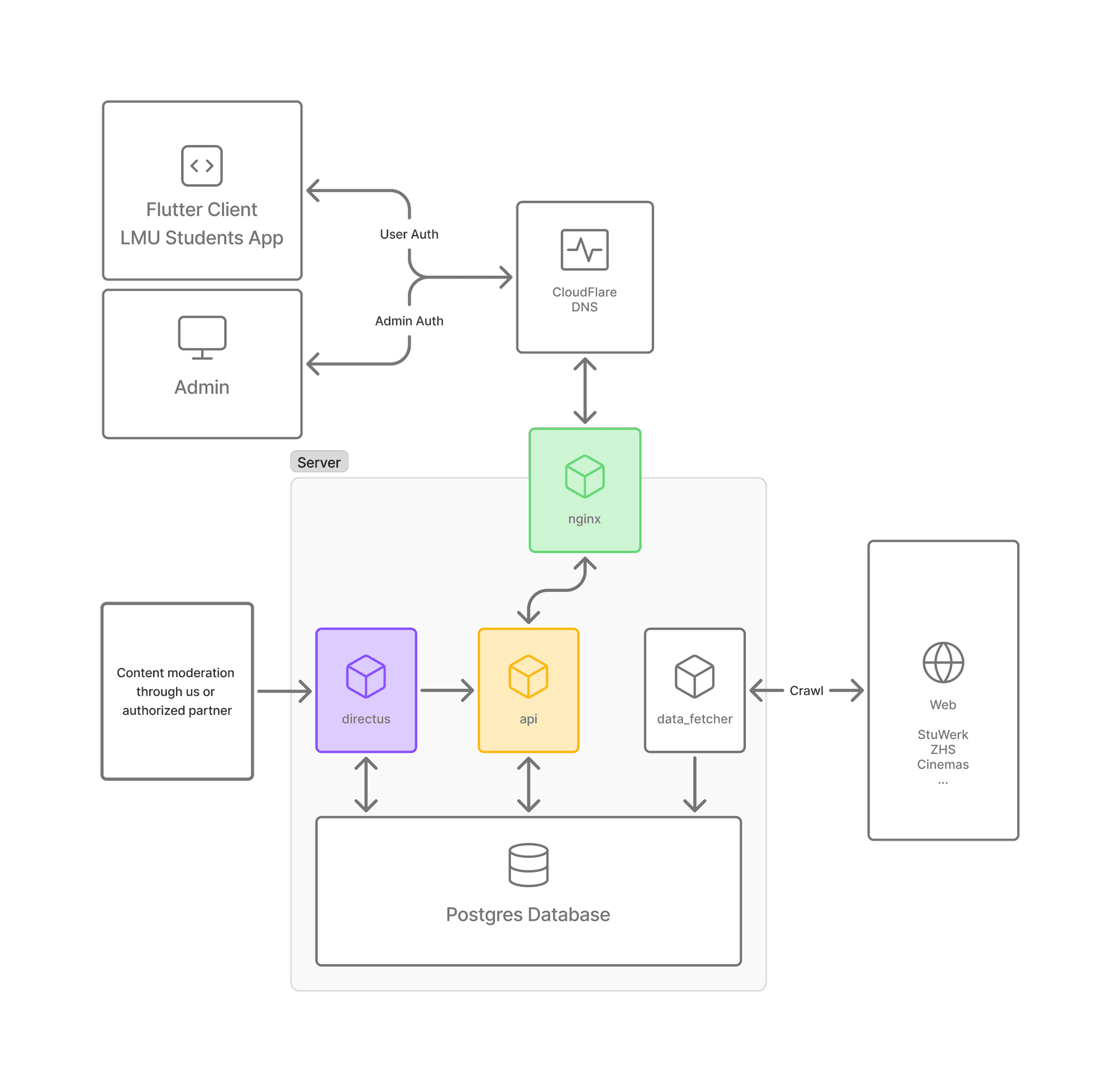
For each topic like food, cinema etc. we added a time-scheduled scraper to the container which then collected the data and saved it in our database.
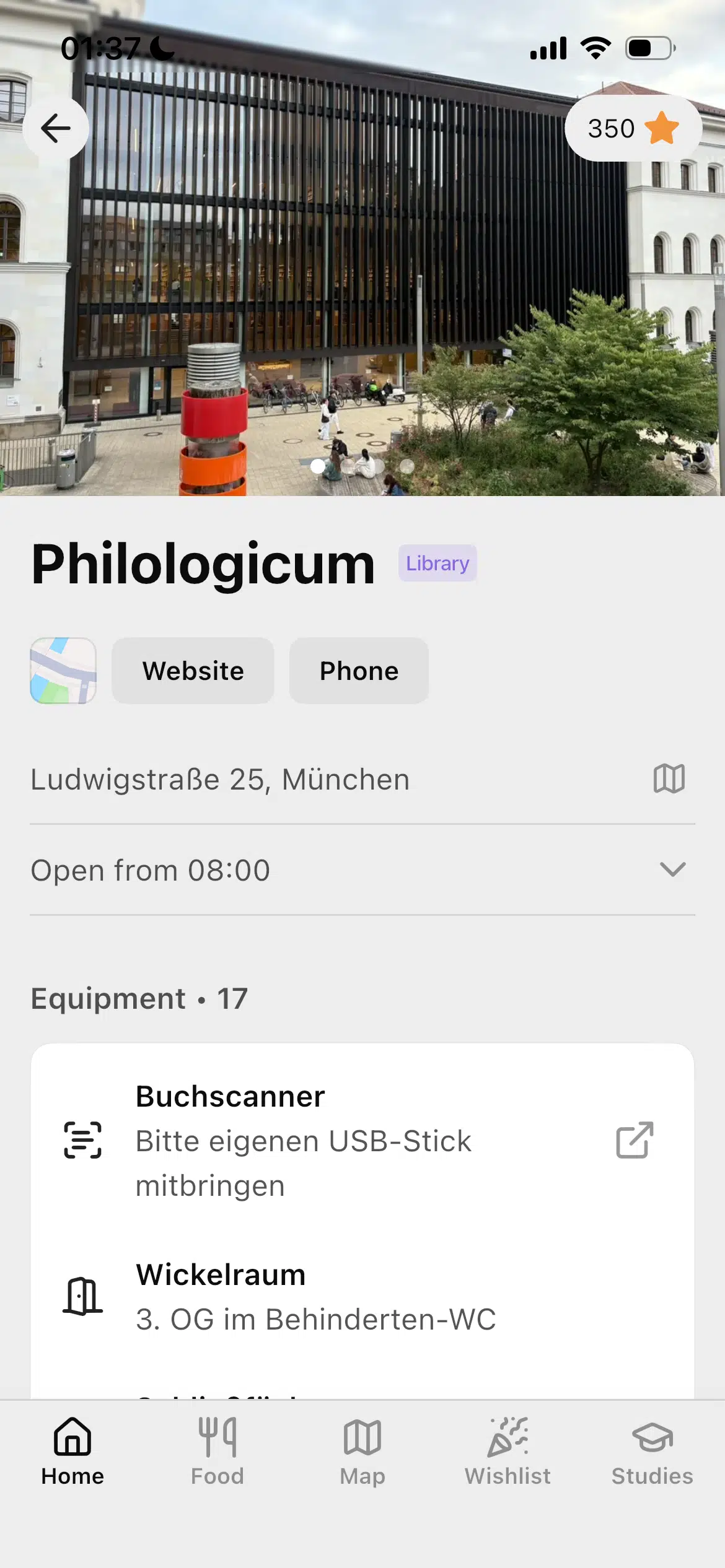
For some content like the libraries we had to deal with unstructured data, so we used LLMs to interpret what the website gave us and put it into a format we could save. Some websites were so cluttered it wasn't possible to solve with regex.
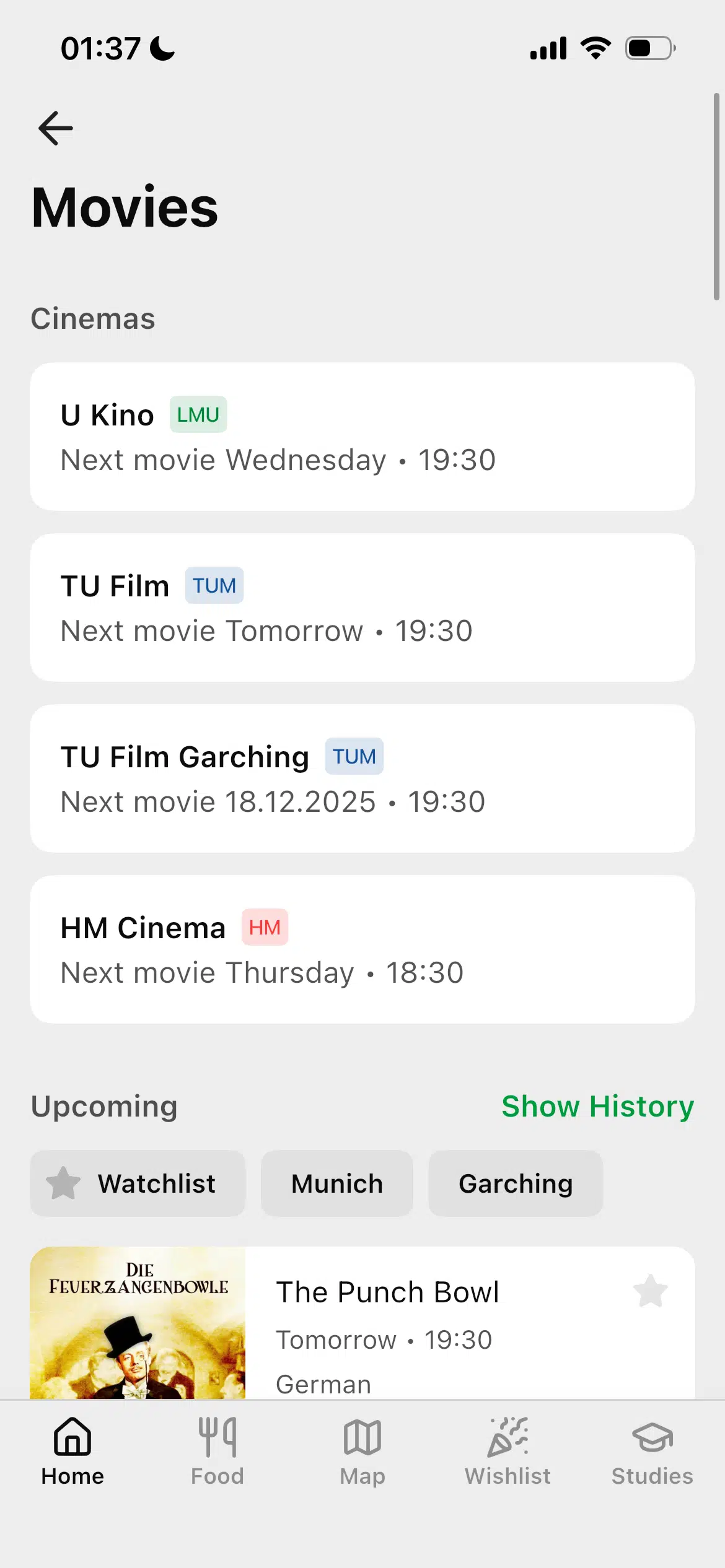
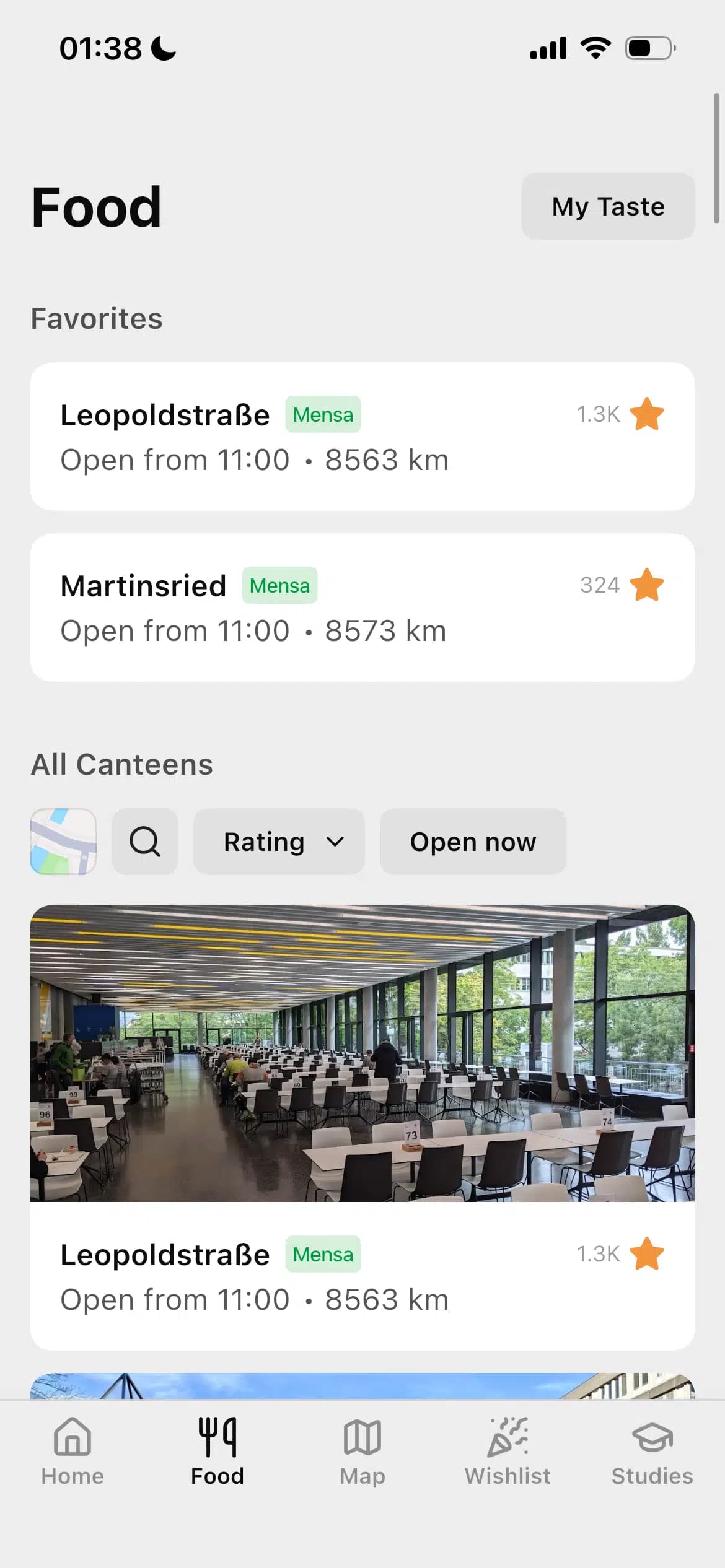
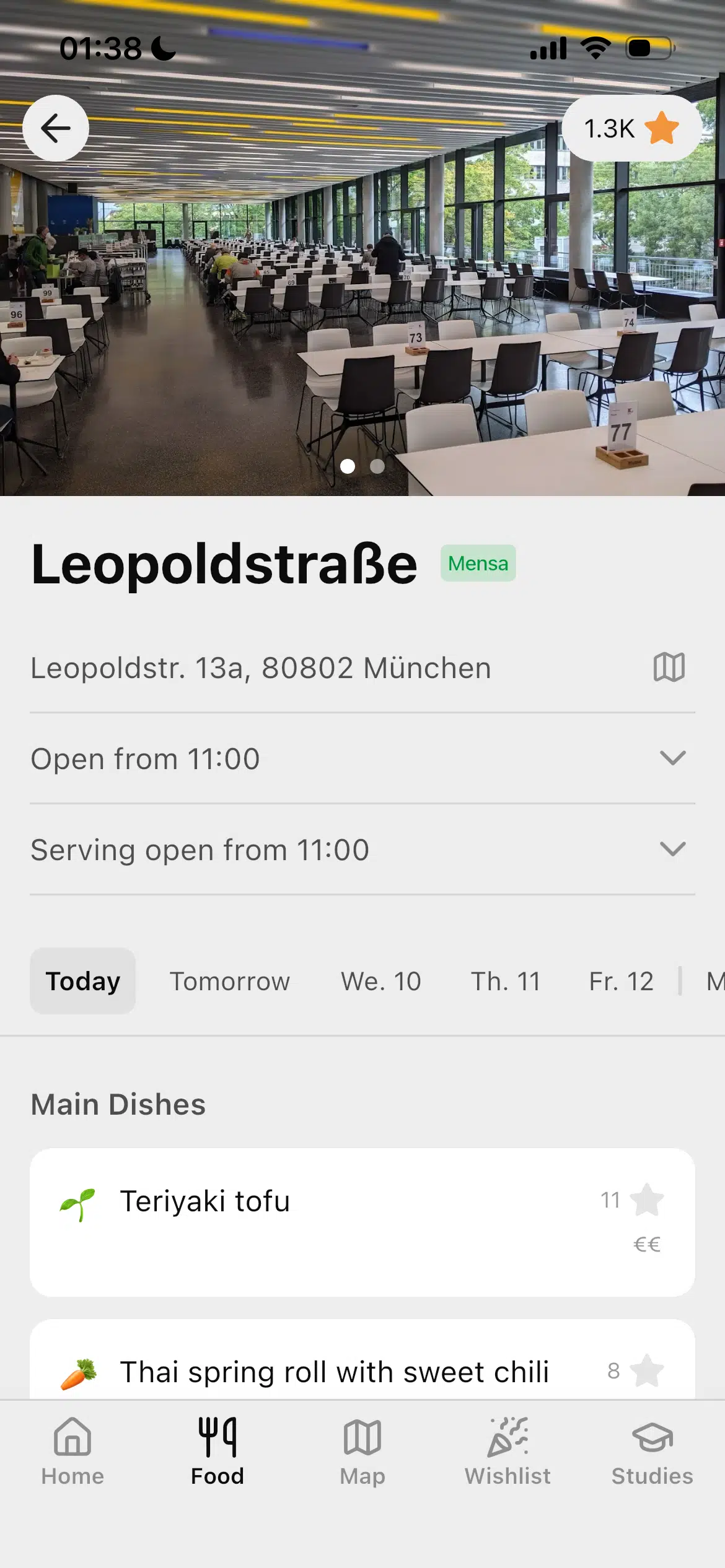
For the canteen menus we did a similar thing, they were automatically translated with DeepL. Generally our approach was to improve the data quality we got with other APIs. We also did that for the movies: we added information like IMDb ratings, movie posters, trailers etc.
Database
This was probably the hardest part, getting the relations right. Especially when you deal with translations, it isn't enough to just put a „title” column. We needed to create a new translation table with all fields that needed localization.
API
To implement the API fast I went with  FastAPI. Each endpoint had its own Pydantic model which was also used as a response model, as well as a service layer to get the information from the DB and the router.
Some endpoints were protected and only accessible with API keys of different scopes. Some endpoints have a soft protection. For example, getting canteen dishes will return a result authenticated or not, but when a user is recognized it also returns the dish likes for that user.
Available endpoints can be found in the API documentation.
To make the API more responsive we would like to add a Redis cache database.
GitHub
We used  GitHub not only as a version control tool but also for project planning. Issues were always connected to branches.
We also used GitHub Actions to automatically deploy the  Docker containers and spin them up on staging/prod. This significantly improved our workflow since once something was merged with staging it would get deployed. To push to prod, another action took the staging Docker container, renamed it and published it over SSL on the prod server.
Content Management
There is some data you can't crawl... so you have to manage. We started content management with writing hardcoded values in the backend, then switched to API endpoints and finally settled on a CMS system. After some research we chose  Directus (over Strapi) because it could be integrated into our current database.